Save & Organize Locations.
Organize folders, tags, and instantly convert text coordinates (UTM, MGRS, DMS) into pins.
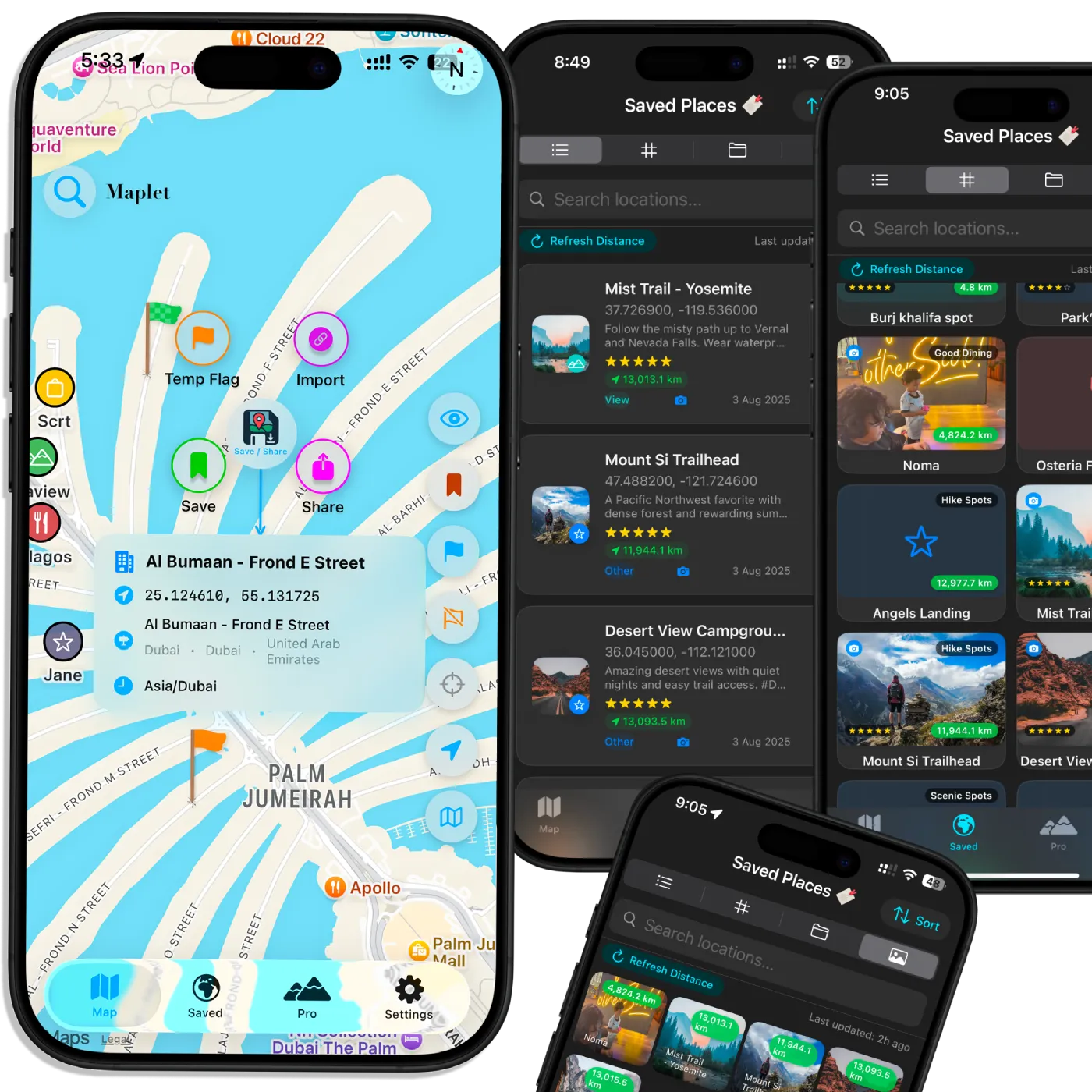
The premium, privacy-first map location saver and trip planner.
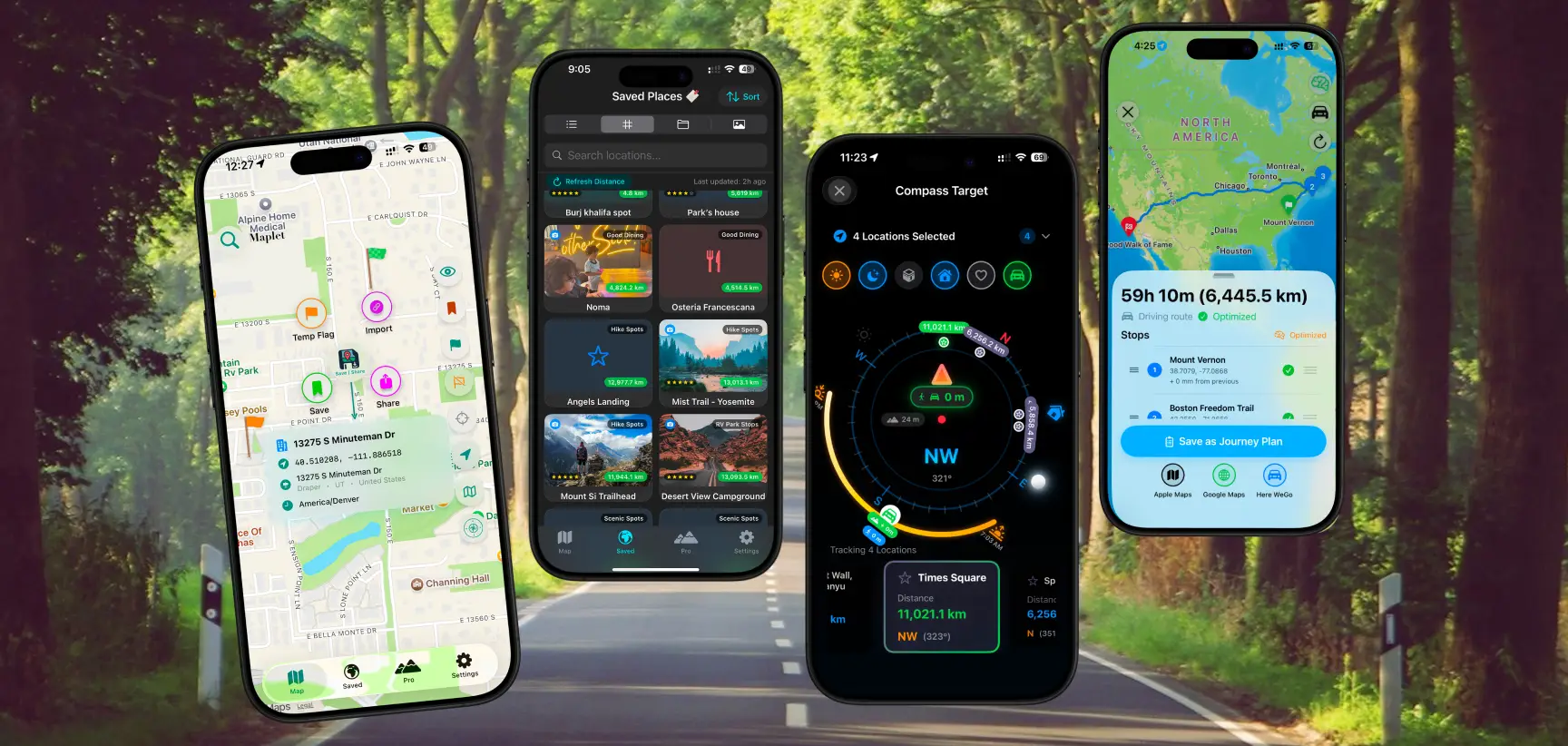
Organize folders, tags, and instantly convert text coordinates (UTM, MGRS, DMS) into pins.
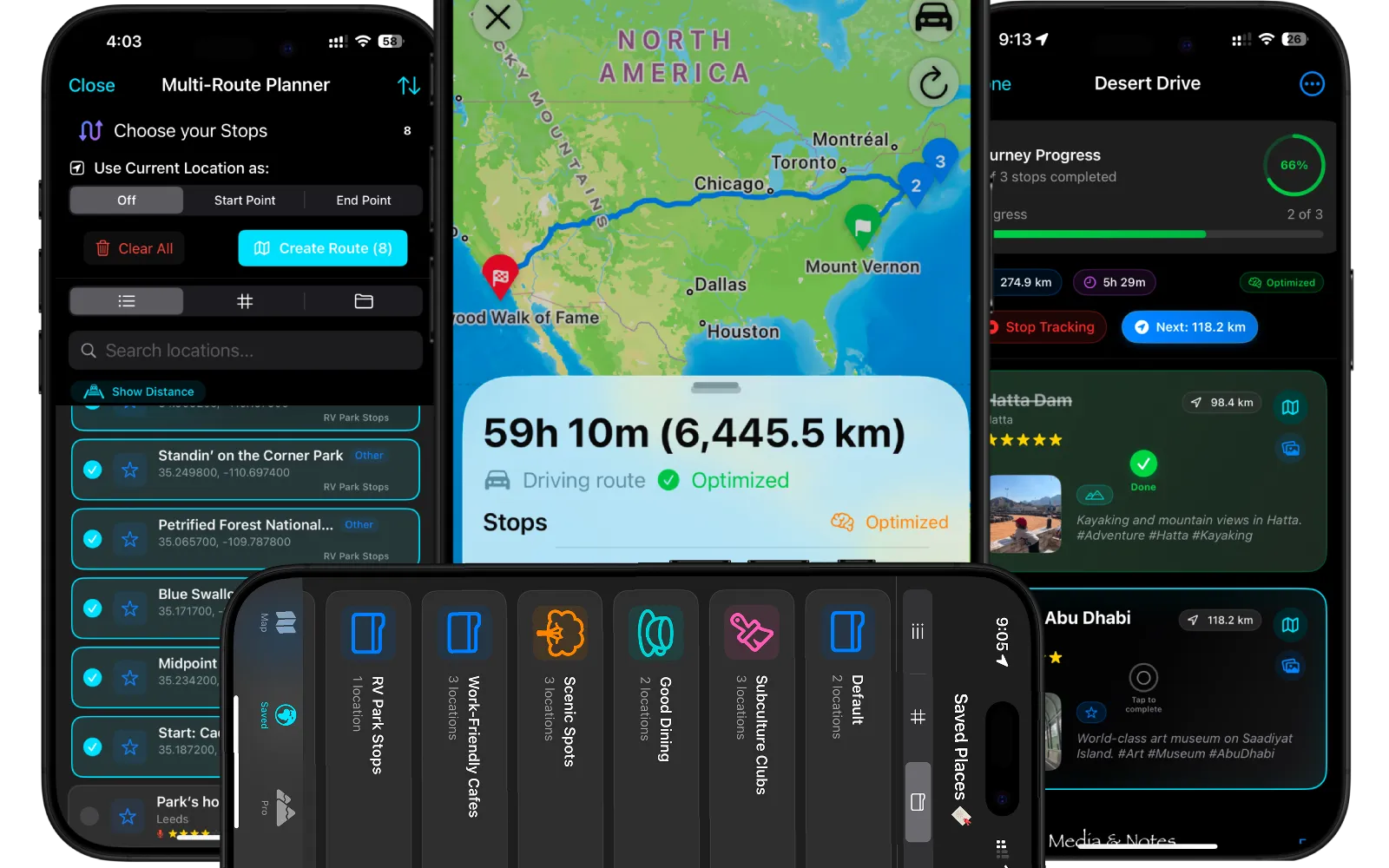
The ultimate road trip planner and route optimizer to automatically calculate the fastest driving order.
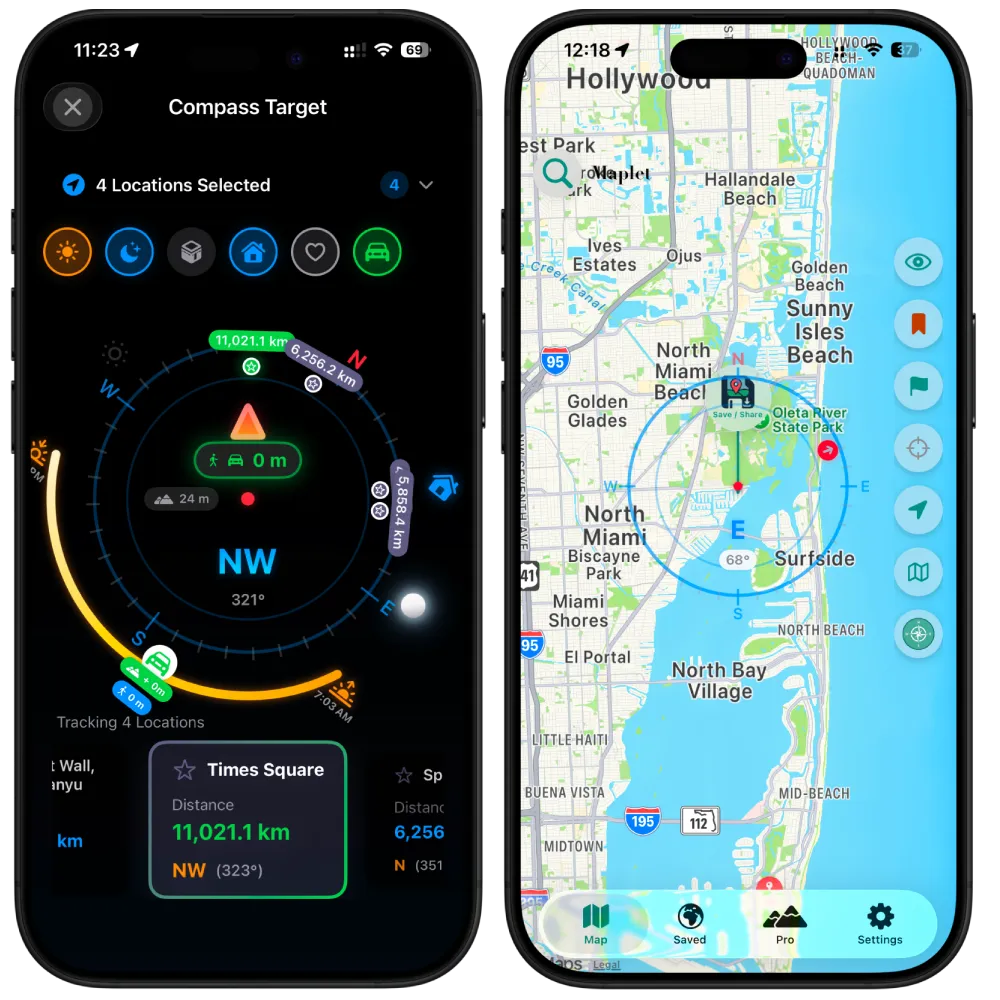
Track waypoints and get Proximity Alerts. Ideal for geocaching and off-grid navigation.
Save photos, voice memos, and preview destinations with 360° Look Around.

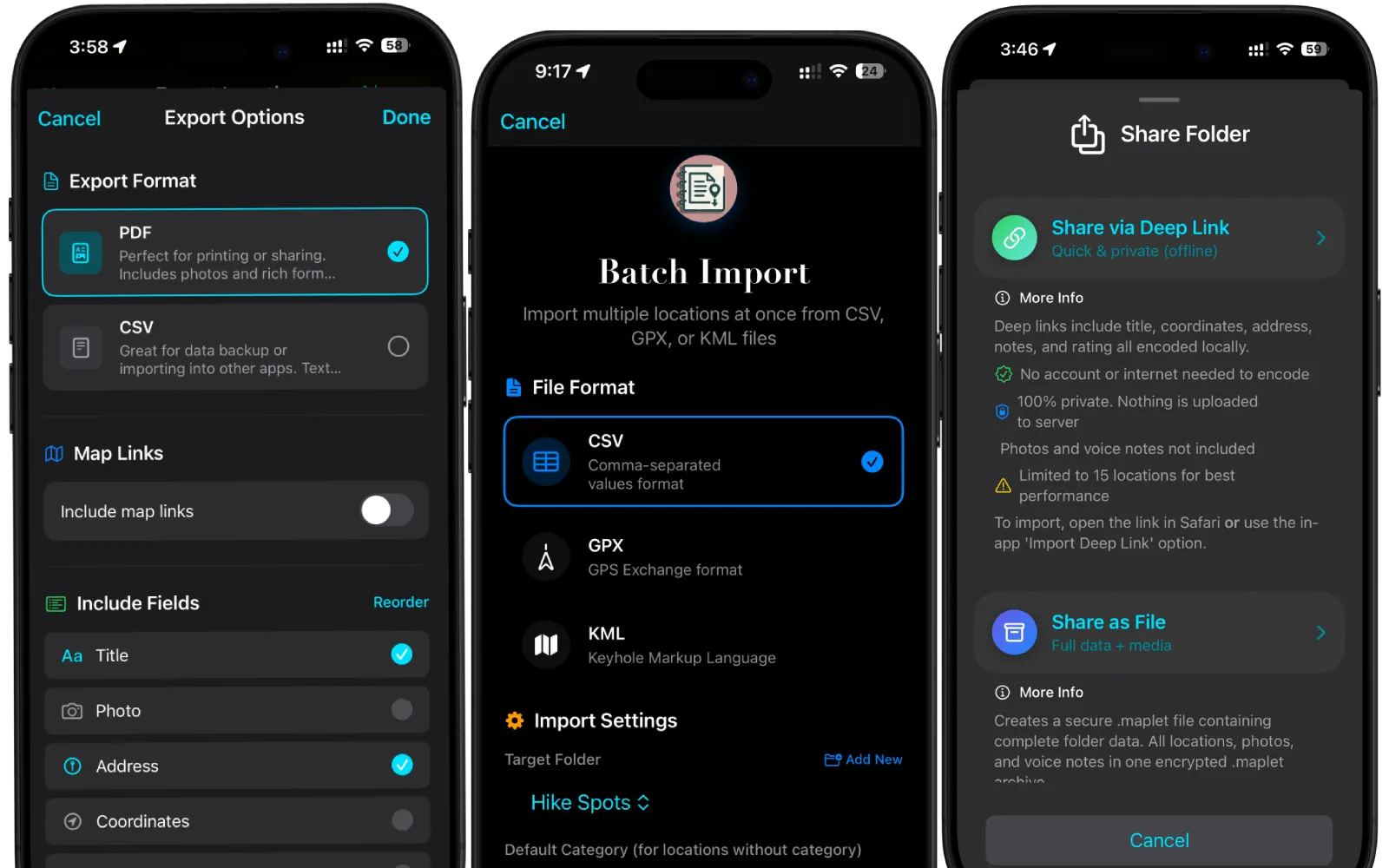
Batch import CSV/GPX/KML. Export to PDF/CSV.
Yes. Maplet requires no accounts and has zero tracking. All your saved places, trip lists, and route plans stay securely on your device and sync via your personal iCloud.
Absolutely. Maplet features an advanced multi-stop route planner that can automatically optimize the order of your stops for the fastest driving time, which you can then send directly to Apple Maps, Google Maps, or Waze.
You can batch import locations effortlessly using CSV, GPX, or KML files. You can also export your saved places as a beautiful PDF or raw CSV data.
Maplet is designed for power users who need more than just a giant, cluttered list of starred pins. It acts as a dedicated travel organizer, letting you categorize places into unlimited folders with custom tags, photos, and voice notes.
Yes. By adding multiple stops to a single folder, Maplet can automatically optimize the sequence for the most efficient driving route, saving you time and fuel on the road.
You can easily share entire folders of saved locations and offline deep link or as .maplet files which can be imported by your friends.
Yes! Maplet is built for the wild. It works completely offline, allowing you to use the Live Compass to track waypoints, Sun, Moon, and your parked car. It also features battery-efficient Dark Mode optimization for long field days.
Maplet's Smart Paste feature instantly detects and converts text coordinates into map pins. We fully support standard Lat/Long, Decimal Degrees, DMS, UTM, and MGRS formats, making it perfect for field professionals.