The Visual Grid
Visualize your whole year as a 365-day dot matrix timeline. Instantly track your year progress and see what's coming next.
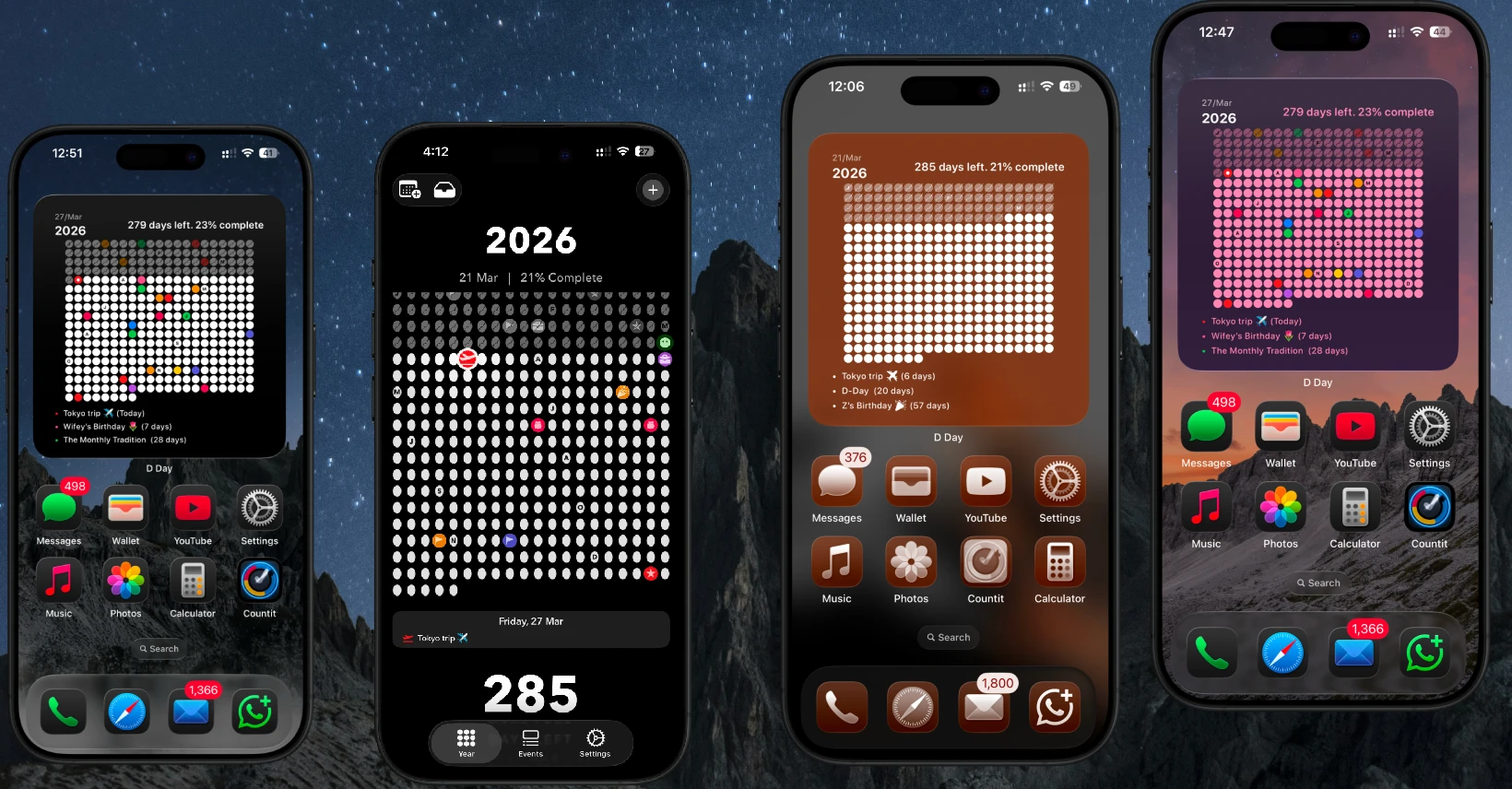
The premium iOS event countdown widget and visual year tracker. Make every single day count.
Visualize your whole year as a 365-day dot matrix timeline. Instantly track your year progress and see what's coming next.
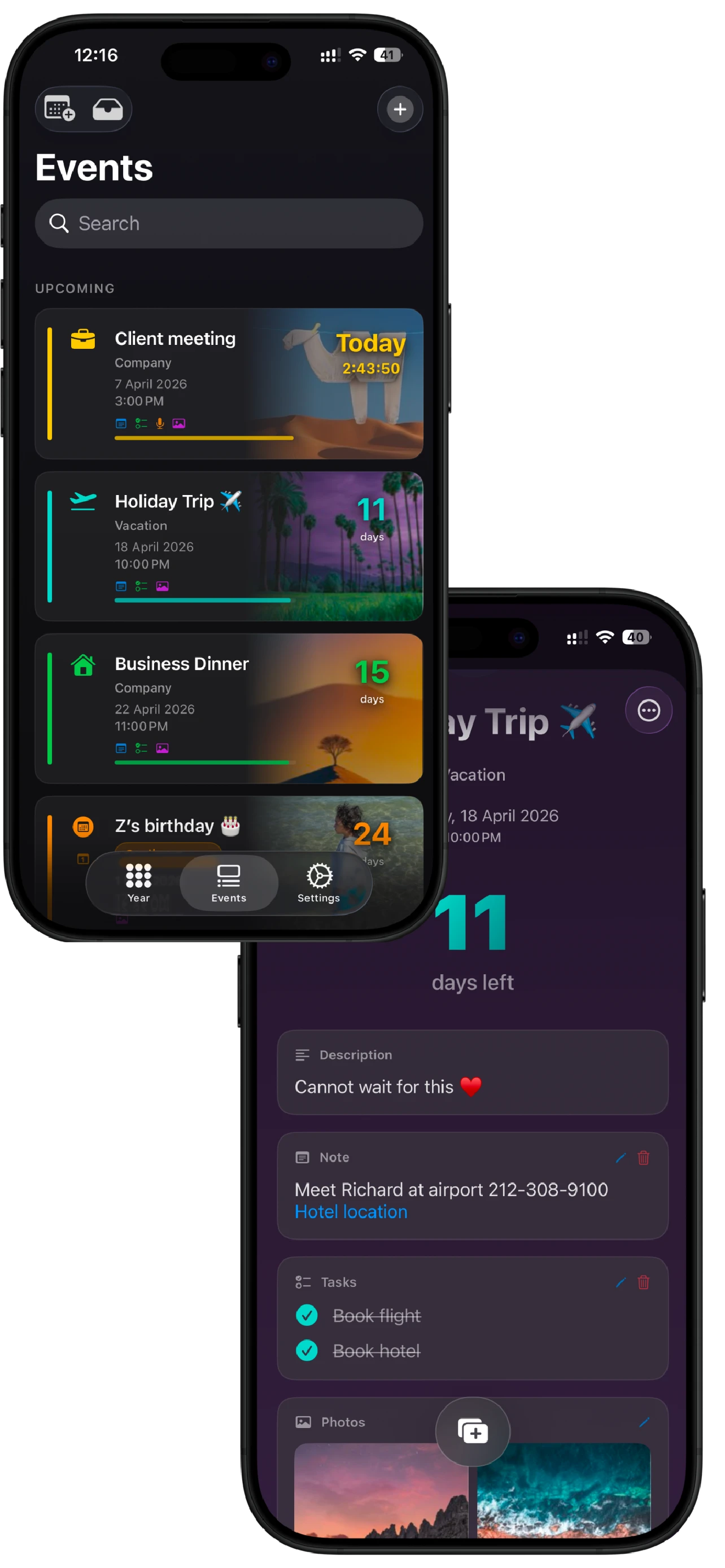
Count down to birthdays, vacations, and weddings. Sync directly with Apple Calendar and turn milestones into a rich memory journal.
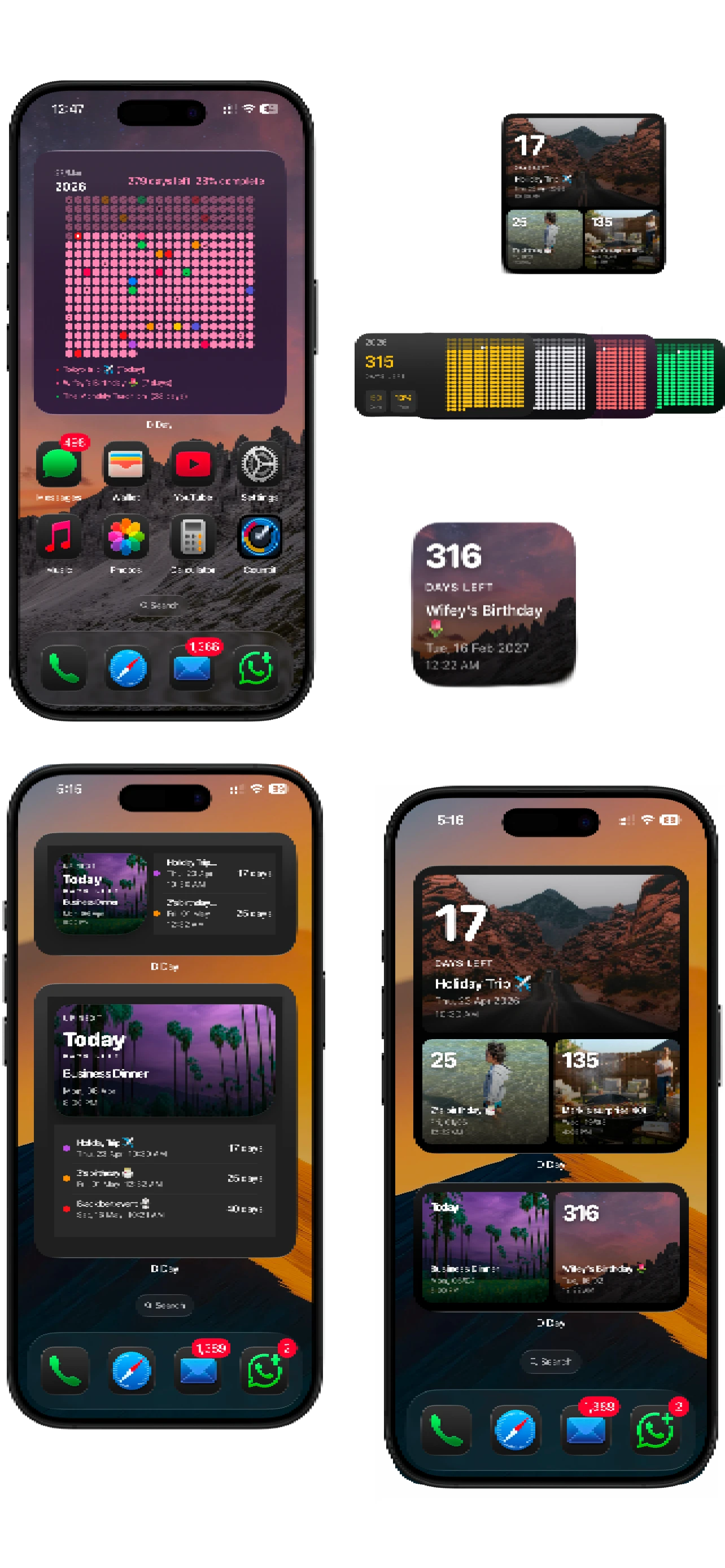
Track time without opening the app.
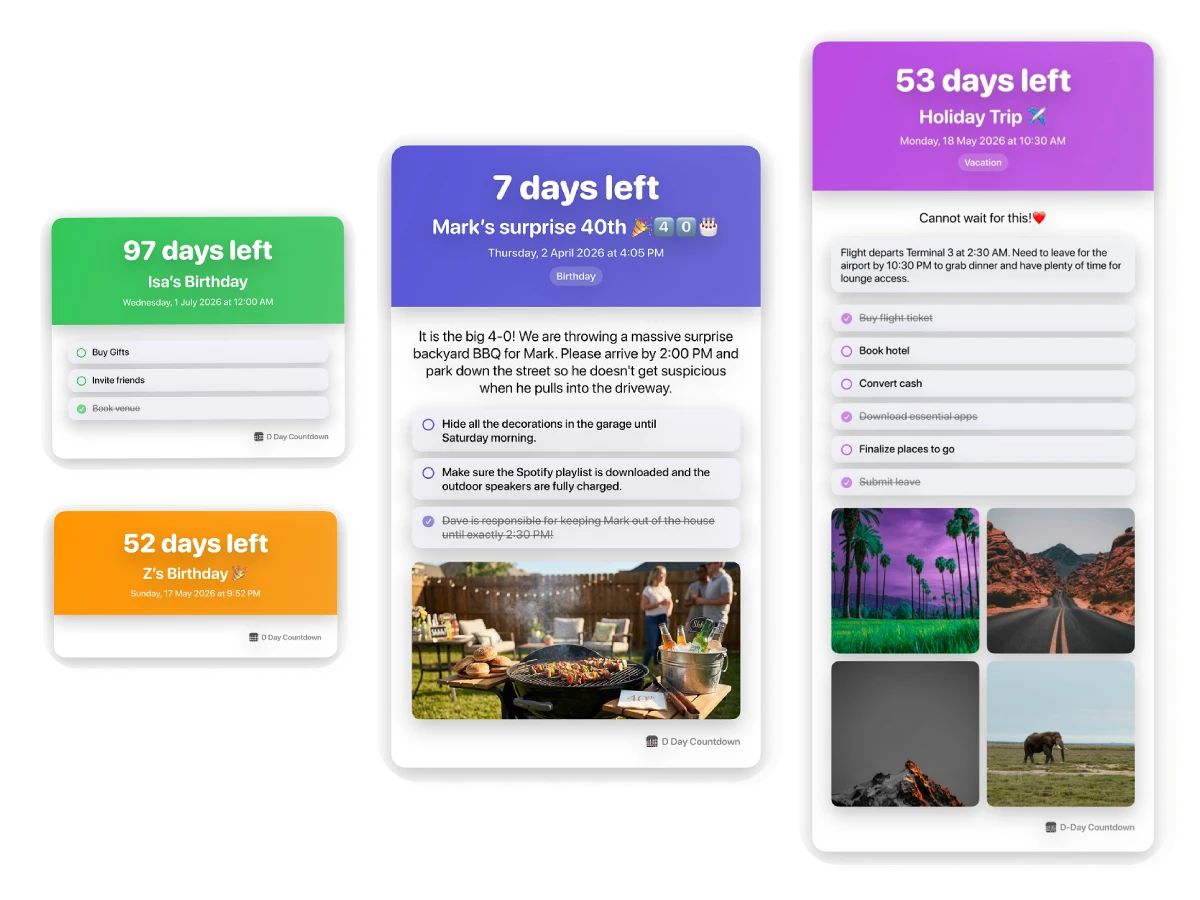
Export your countdowns as stunning, high-resolution images complete with custom photos and notes to easily share to Instagram or WhatsApp.
Yes. Next Big Day is designed with absolute privacy in mind. There are no user accounts, no ads, and no data tracking. Your event countdowns and dates stay entirely on your device.
Absolutely. You can add beautifully designed event countdown widgets directly to your iPhone or iPad Home Screen to track how many days are left until your important dates without opening the app.
Unlike a standard calendar, Next Big Day turns your entire year into a single visual grid. It allows you to see exactly how much of the year has passed and how many days are left, helping you stay focused and make every day count.
Yes! Next Big Day features seamless Apple Calendar sync. You can import your existing schedule directly into the app so your event countdowns and year progress matrix are perfectly aligned.
You can generate and share high-resolution, custom countdown images straight to Instagram, WhatsApp, or iMessage in one tap. You can even include custom photos, checklists, and notes in your shared images.