

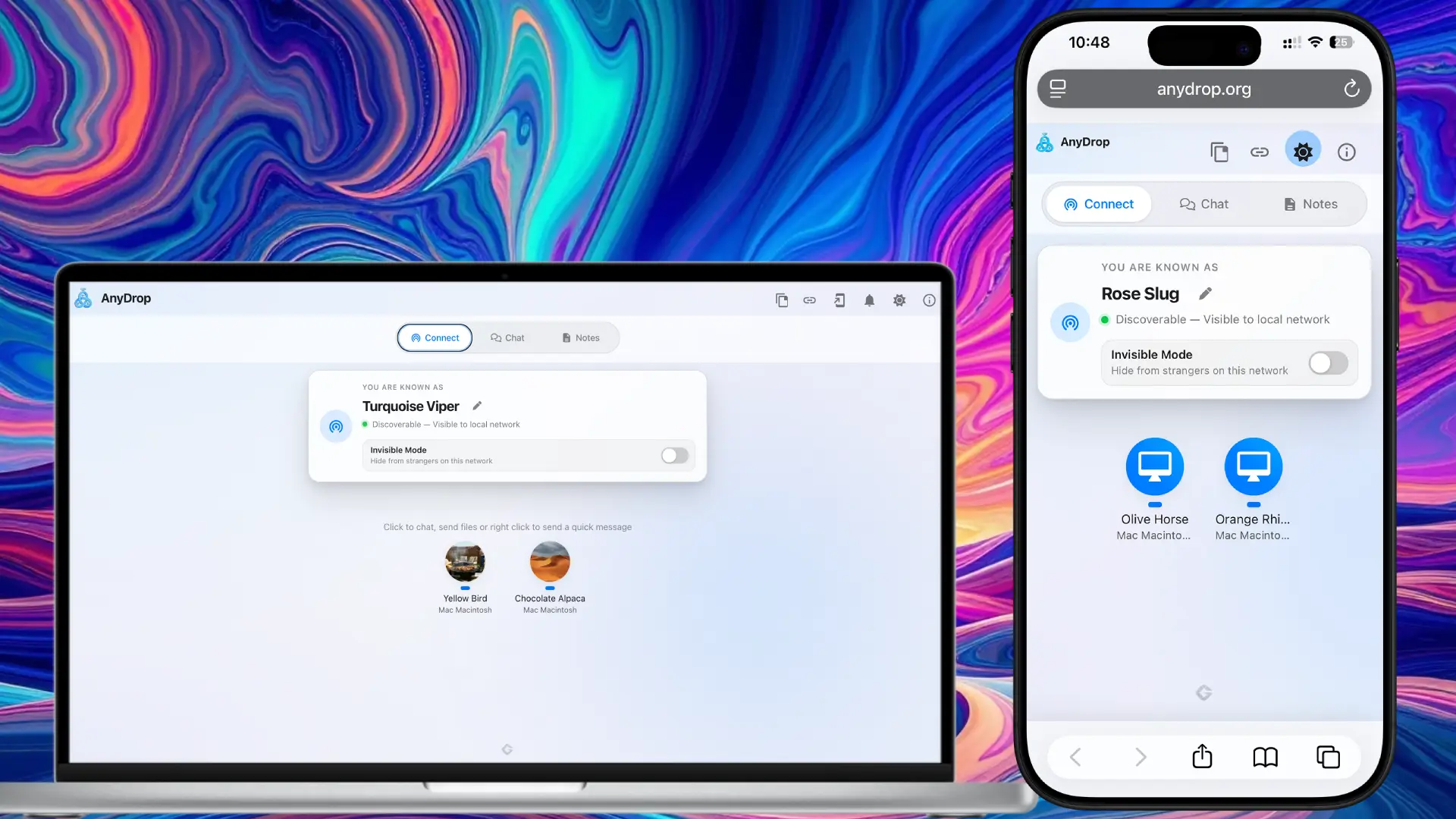
Frictionless Local Discovery.
Open the app on the same Wi-Fi, and your devices instantly see each other. No pairing required.
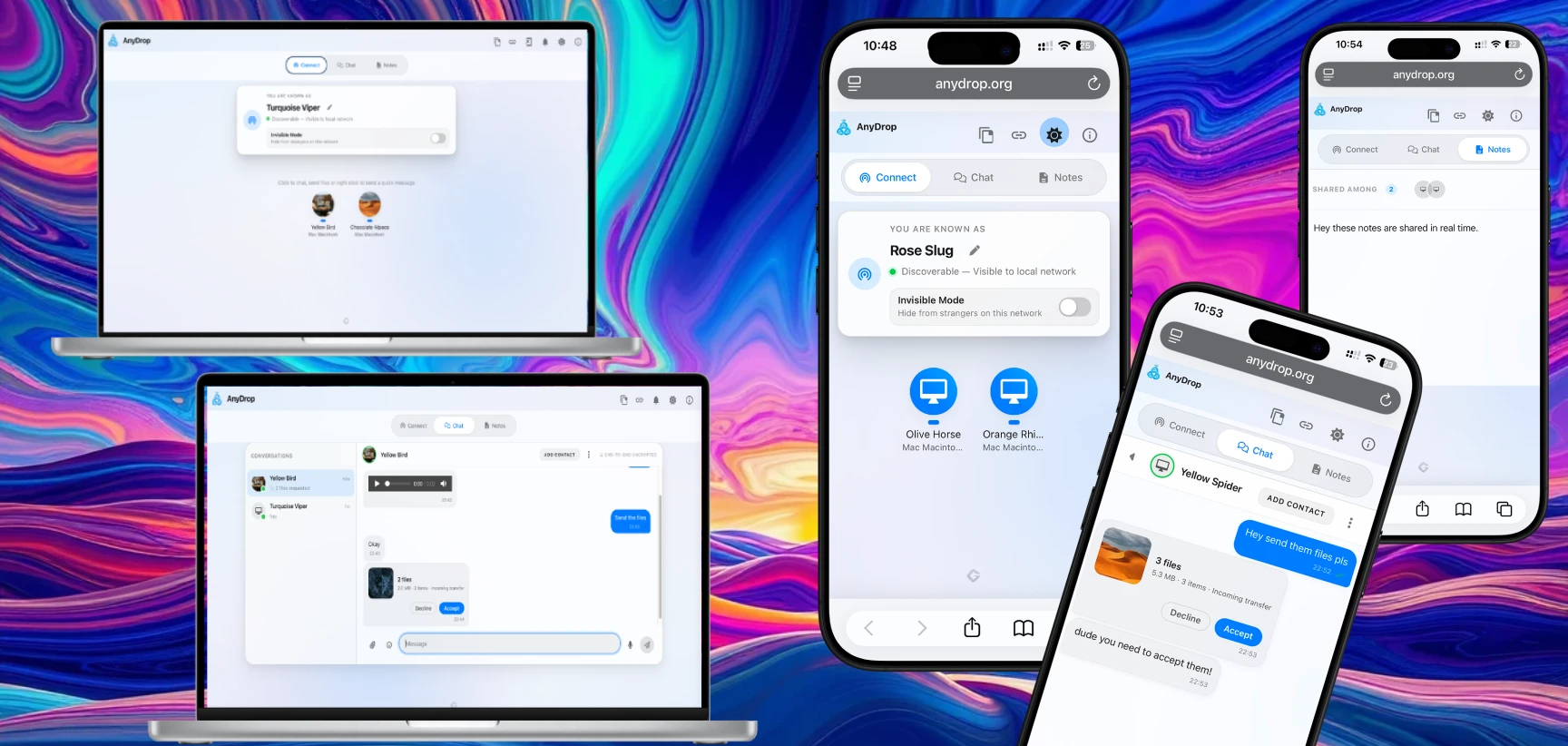
Open the app on the same Wi-Fi, and your devices instantly see each other. No pairing required.
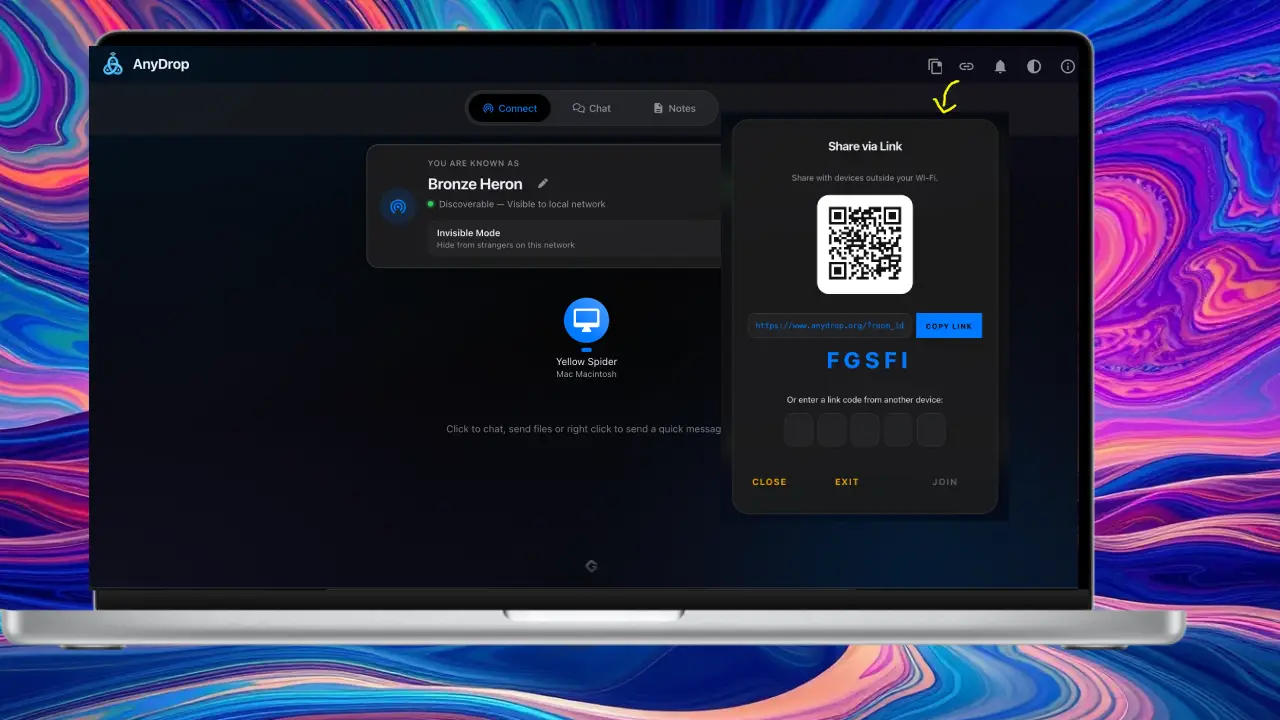
Not on the same network? Generate a secure Magic Link to bridge devices across the internet via WebRTC.
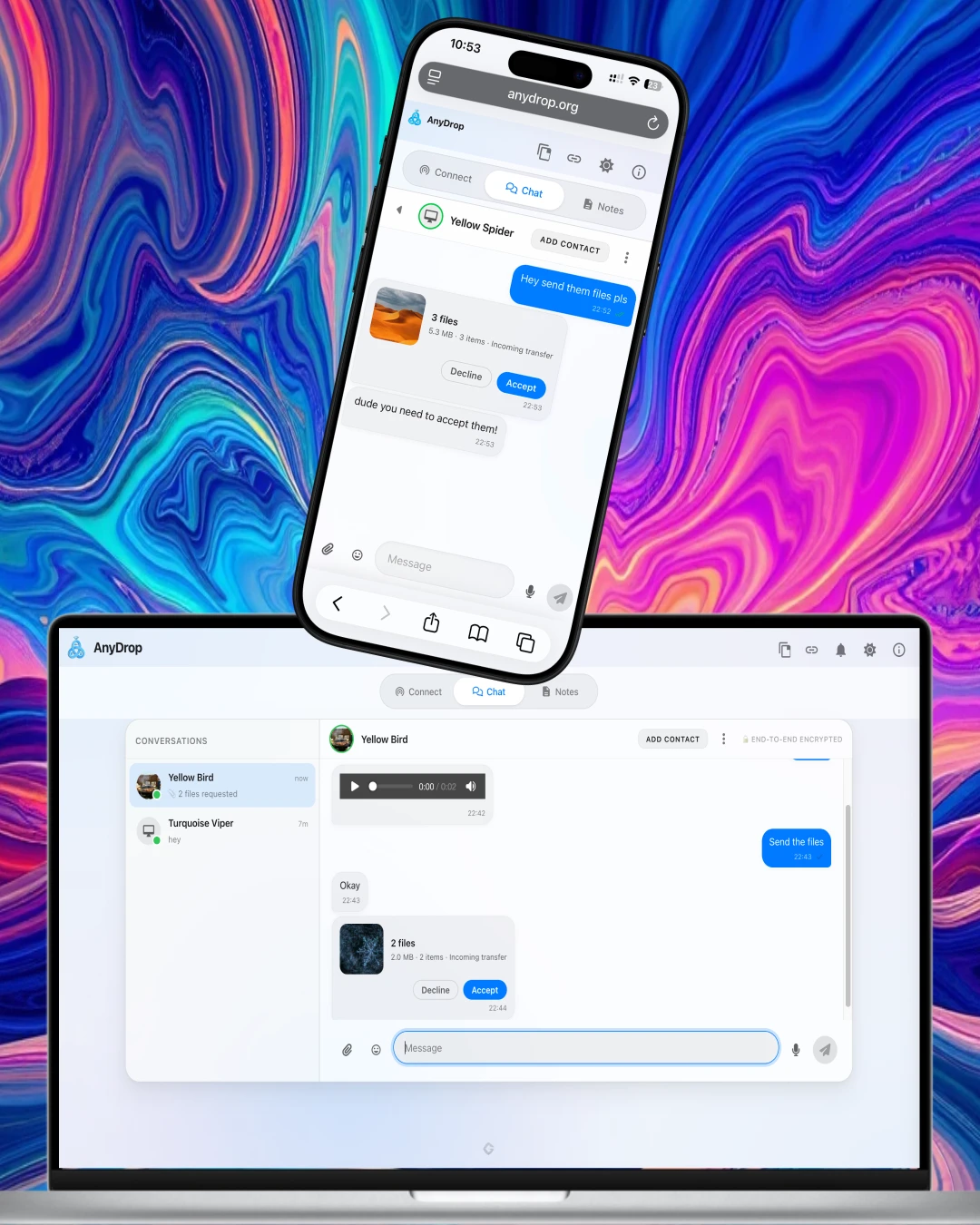
Send text, links, and files directly through an encrypted peer-to-peer socket. Your data never touches a database.
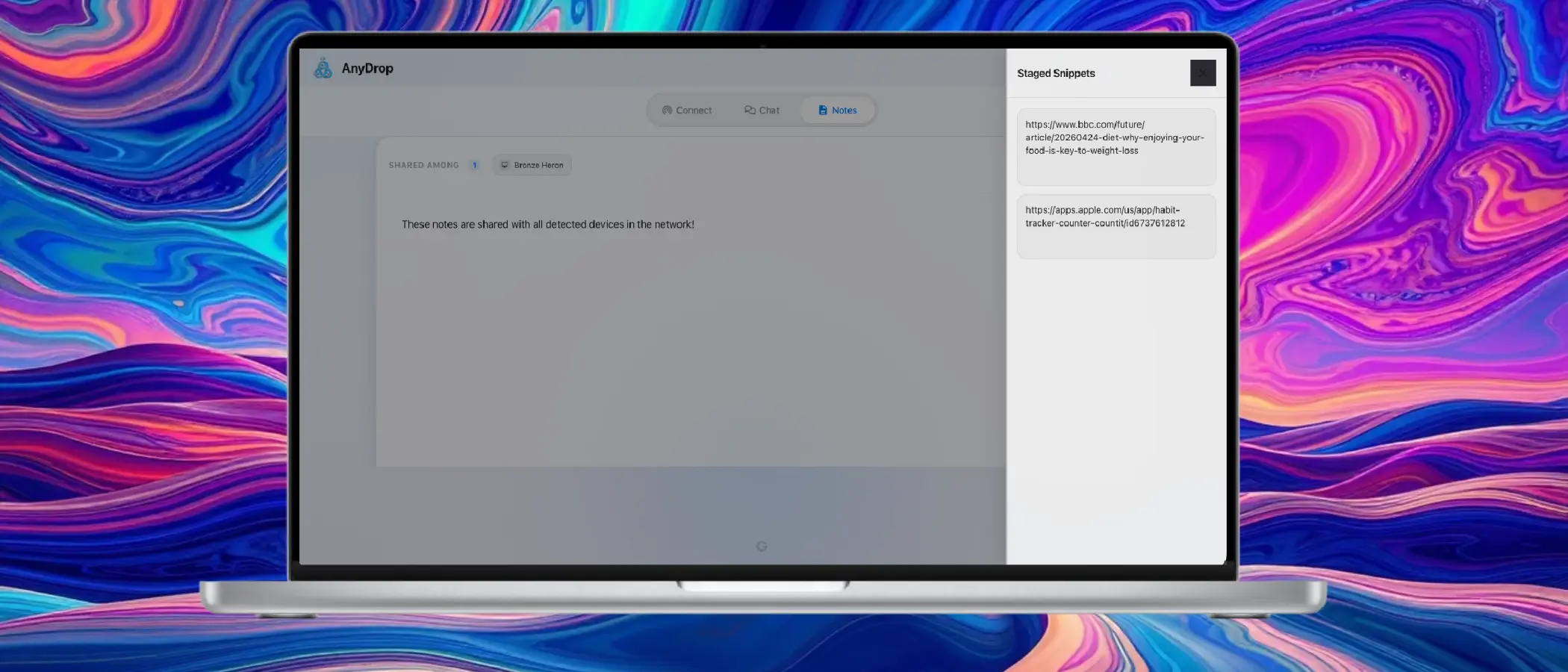
Seamlessly push text snippets, URLs, and notes between your phone and desktop as if they were a single device.
WebRTC & WebSockets for seamless NAT traversal and fallback routing.
100% End-to-End Encrypted. Data exists only in RAM and evaporates when you close the tab.
Built as a lightweight SPA with vanilla JavaScript and dynamic DOM management.
No. Transfers and chat traffic move directly between peers. Relay services are only used for connection setup or fallback routing, not long-term storage.
On the same Wi-Fi, devices auto-discover instantly. Across networks, generate a Magic Link or QR to create a trusted temporary bridge.
Local peer-to-peer transfers are typically only limited by your network. Remote relay paths can be capped for stability, and iOS Safari works best with moderate file sizes.
In-flight data is held in temporary memory. Canceling tears down the session and drops partial data, leaving no half-written files behind.
For browser security, completed files stay in temporary memory until you explicitly tap Download. Closing the tab before download removes that temporary copy.
Yes. Traffic remains encrypted in transit, and Invisible Mode helps hide your device from unpaired users on shared networks.