Save anything in a second.
Never feel guilty about the pile again.
Clutch turns chaotic links, documents, and web articles into a calm, distraction-free sanctuary. Load PDFs, EPUBs, or notes and read with 3D page curls or listen with on-device Natural Voice. No accounts. No tracking. No Clutch servers.
Your library. Your rules.
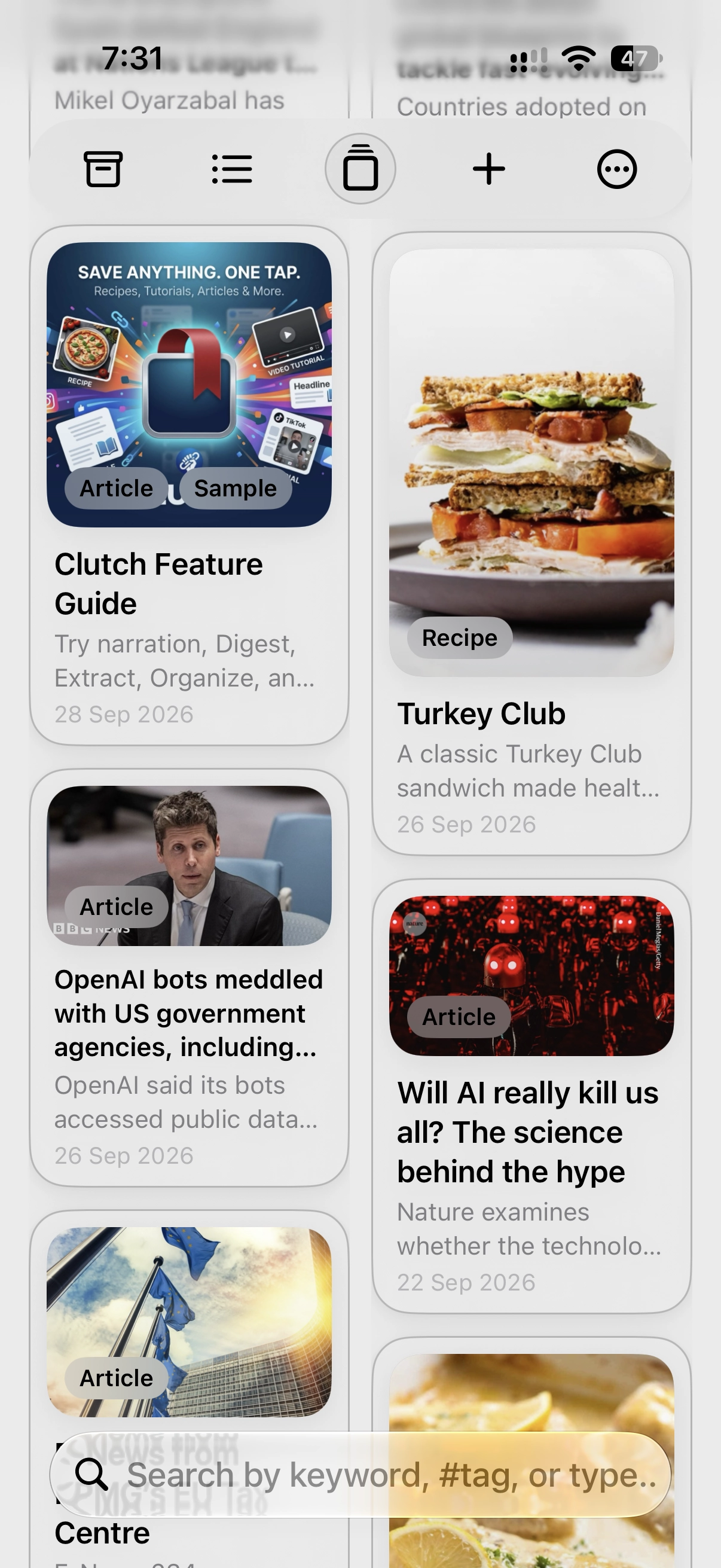
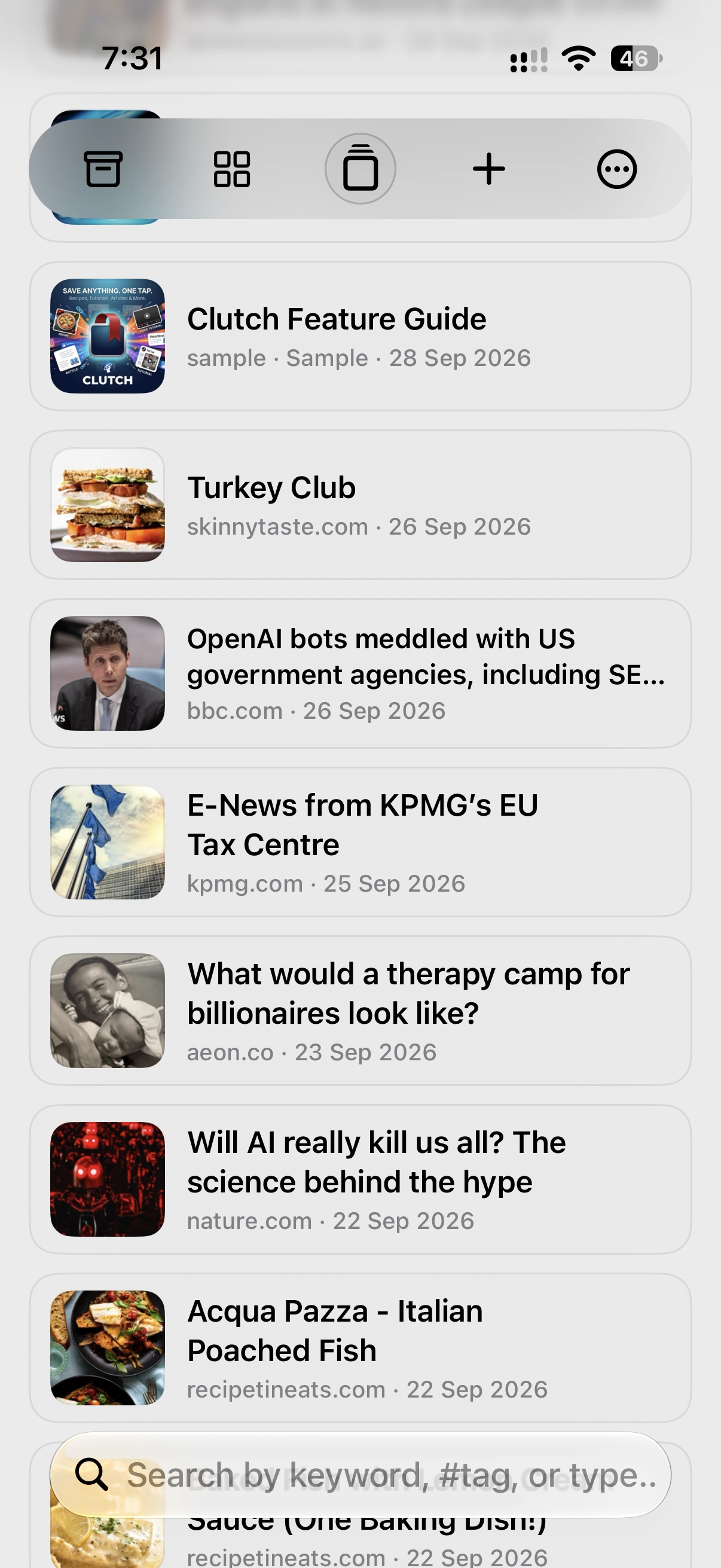
The saved content is the product — our UI is a frame, never a painting. Browse an asymmetrical masonry grid sized by true aspect ratios, or collapse into a dense high-volume list.
Content-Derived Liquid Glass
There is no fixed brand color. Dominant color is extracted once at ingest using Core Image
CIKMeans and subtly tints backgrounds, glass borders, and reader chrome at an ultra-fine
18% opacity.
Zero-Friction Ingestion Engine
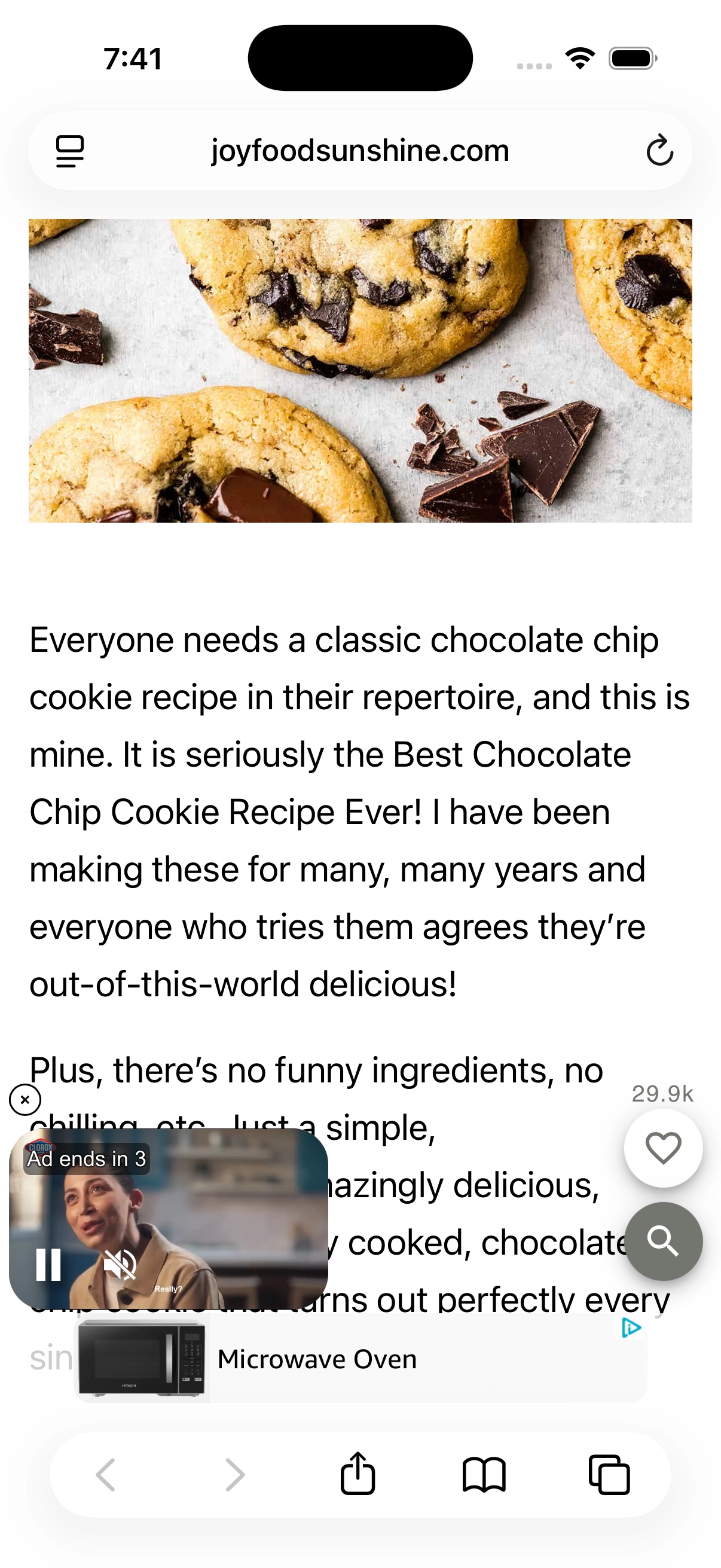
Save from Safari, X, TikTok, Instagram, Reddit, or YouTube — or load documents (PDF, EPUB, TXT, MD). Saves write immediately to a shared SwiftData store in under a second — enrichment happens quietly in the background.
Gestures Over Buttons
Swipe right to archive. Swipe left to organize into collections. Long press for instant actions: Listen to Summary, Extract Core Info, Copy Link, and Share.
60fps Shortest-Column Layout
Custom shortest-column LazyVStack masonry avoids eager layout measuring, sustaining 60
frames per second past thousands of saved items.
Read any document.
Or turn PDFs into real books.
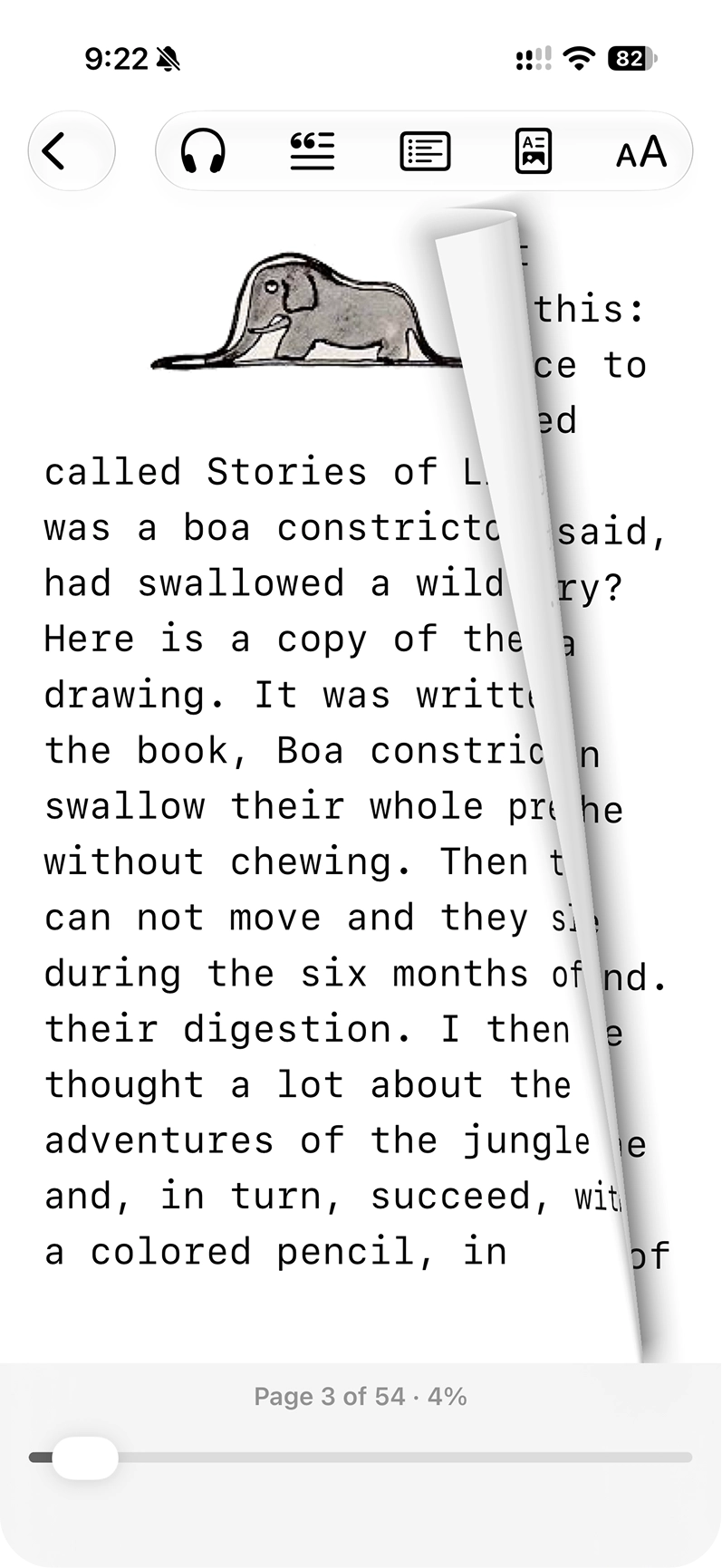
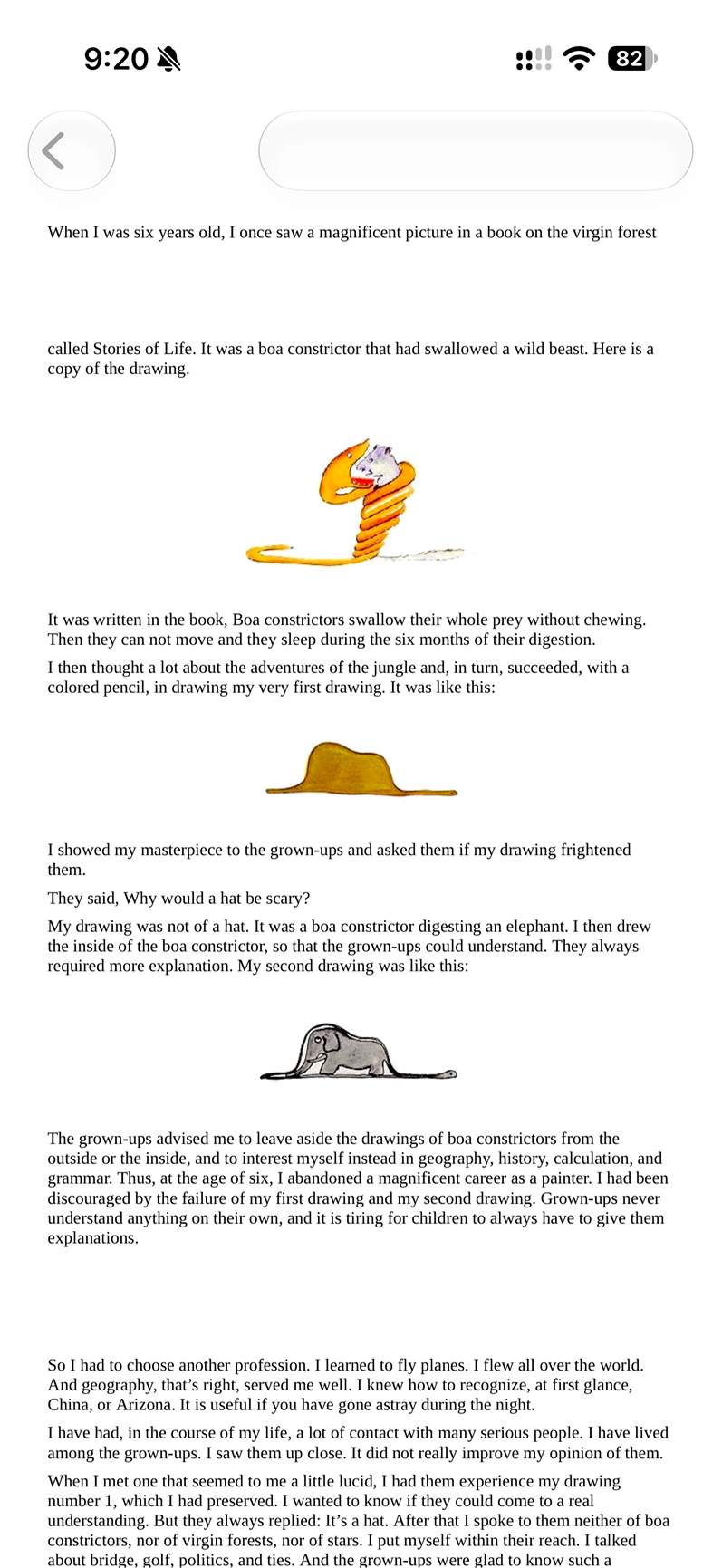
Load PDFs, EPUBs, text files, and Markdown (.md) documents effortlessly. Convert rigid PDFs into reflowable books with a single tap, turn pages with authentic 3D curls, and listen along with on-device Natural Voice.
1-Tap PDF to EPUB Book Conversion
Pinching, zooming, and panning across microscopic desktop PDFs on a mobile screen is exhausting. Clutch converts fixed-layout PDFs into reflowable, book-like EPUB format with a single tap — giving you adjustable typography, fluid paragraphs, and effortless readability.
Authentic 3D Page-Curl Reading
Turn pages like a real paperback with interactive physics-based page curl animations. Includes precise reading progress sliders, chapter navigation, and customizable font size and line spacing for immersive, distraction-free reading.
Natural Voice for Every Document
Turn any file into an instant audiobook. Tap the headphone icon in the toolbar to listen to PDFs, EPUBs, text files, and markdown notes narrated aloud using bundled on-device Natural Voice — with full lock screen and CarPlay support.
Universal Document Ingestion
Load documents directly from the iOS Share Sheet, Files app, or AirDrop. All files are stored privately on your device and stay readable offline.
Artificial Intelligence.
Genuine Privacy.
All AI runs entirely on-device via Apple's FoundationModels. Your content is never sent to
a third-party AI service, and there is no telemetry.
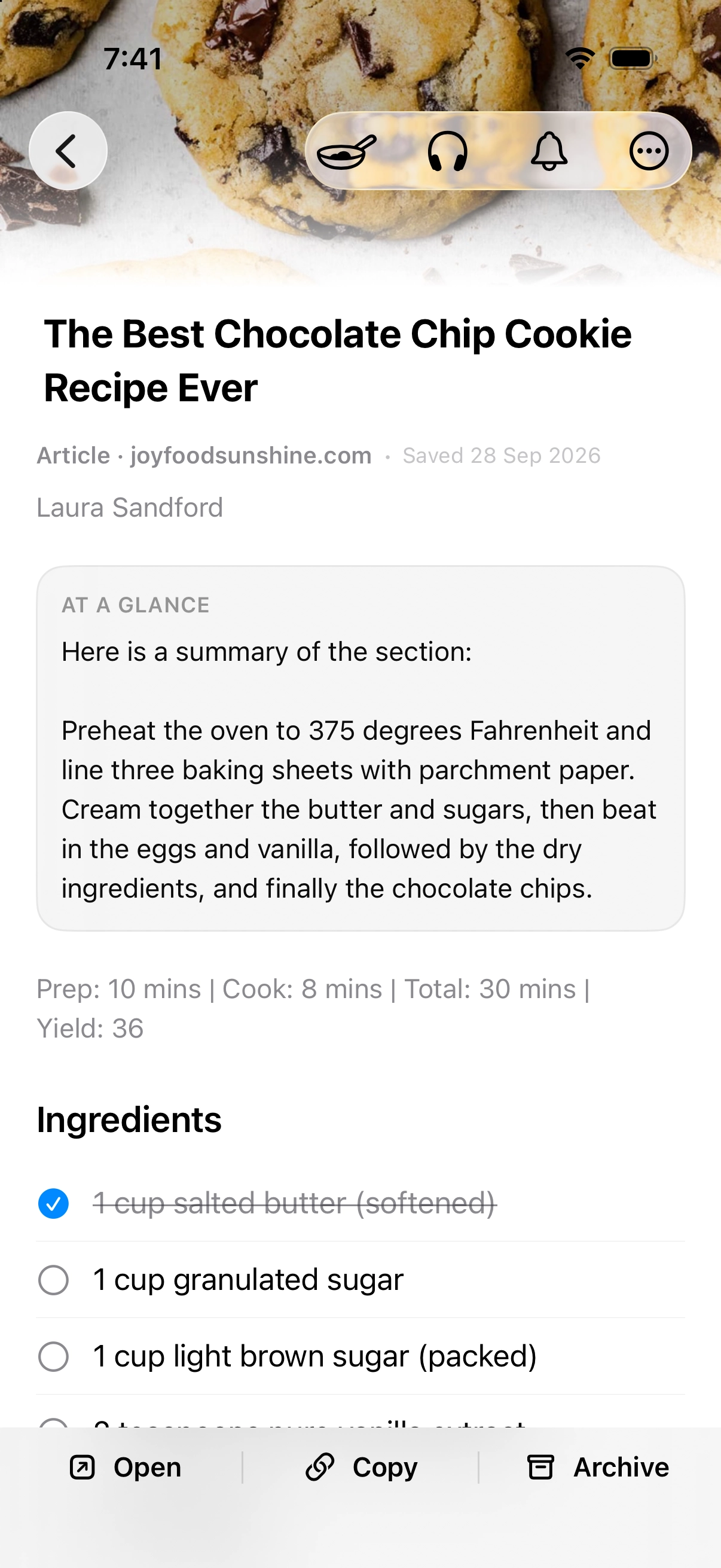
The Best Chocolate Chip Cookie Recipe Ever
Laura Sandford • Prep: 10 mins • Cook: 8 mins • Total: 30 mins • Yield: 36
Preheat oven to 375°F. Line three baking sheets with parchment paper. Cream butter and sugars, beat in eggs and vanilla, followed by dry ingredients and chocolate chips.
✓ 1 cup salted butter (softened)
○ 1 cup granulated sugar • 1 cup light brown sugar (packed)
○ 2 tsp pure vanilla extract • 2 large eggs • 3 cups all-purpose flour
@Guide constraints ensure organized filtering.
#Predicate
parsing + NLEmbedding vector ranking.Your morning commute podcast.
Generated from your
saves.
"Play Daily Digest" gathers unread articles from the last 48 hours, map-reduces them into a cohesive spoken script with the on-device model, and narrates them aloud.
Segmented Chapter Narration
Scripts are segmented per article, not a single opaque audio blob. Skip forward or back between stories, view full lock-screen Now Playing metadata, and tap through straight to the source article in the reader.
MPNowPlayingInfoCenter and MPRemoteCommandCenter for CarPlay and AirPods.
AVAudioSession.playback so narration never halts when you lock your iPhone.
If AI really could kill us all, why give any ground to China?
Tags classify. Collections curate.
Tags answer "What is this?" with an automated shared vocabulary. Collections answer "Where do I want this?" with shelves you own.
User Shelves & "Suggest a Shelf"
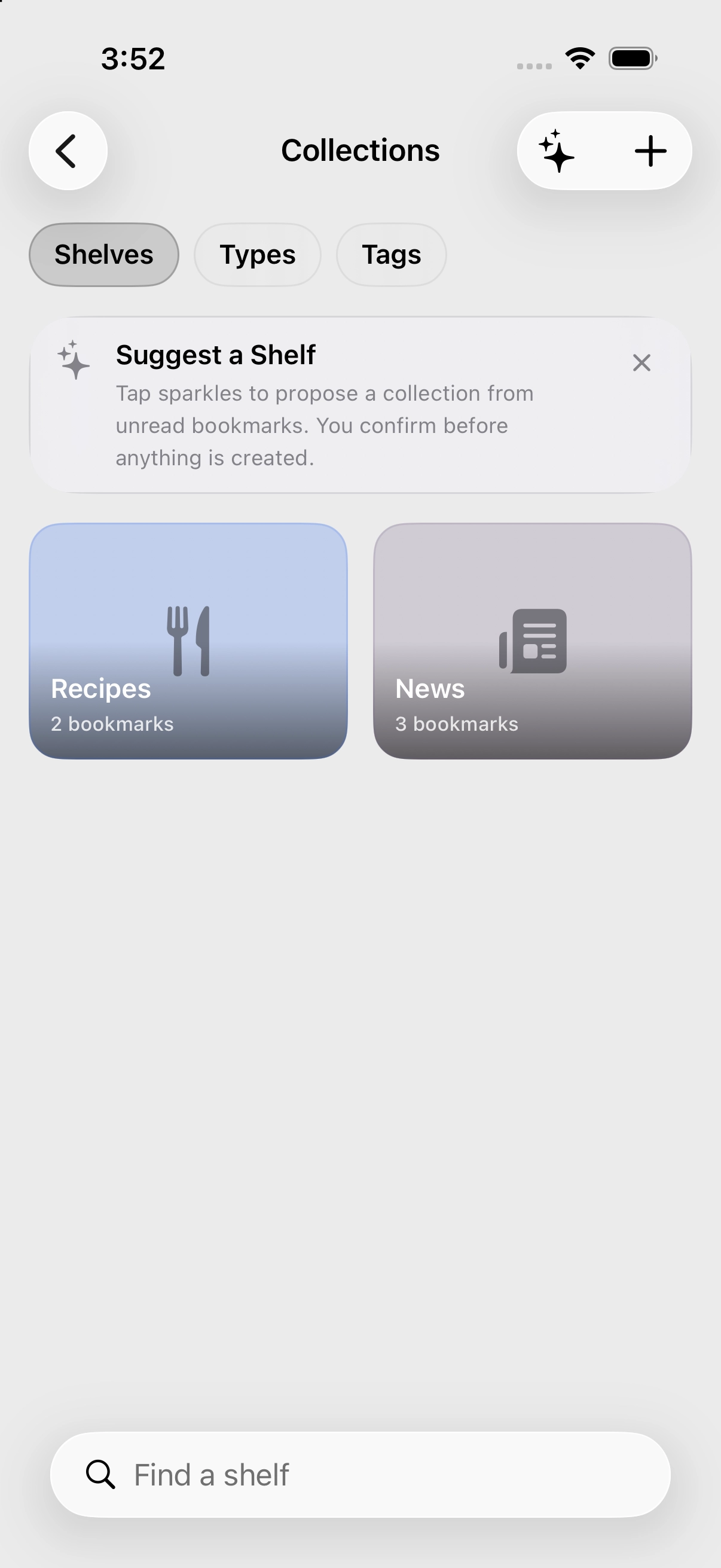
Curate personal shelves like Recipes, News, or Trip Planning. When Apple Intelligence detects related unread items, the sparkle action gently offers a one-tap shelf suggestion.
Aging, not deleting.
Nobody trusts an app that deletes their stuff. Clutch drains your queue through natural reading habits and gentle lifecycle management — zero guilt streaks.
14-Day Gentle Aging
Items older than 14 days fade slightly and group into an "Aging" section. A periodic, dismissible "Tidy Up" affordance offers one-tap batch archive with full undo support.
Auto-Archive on Completion
Scrolling past 95% of an article or finishing a video prompts to archive it inline. Your queue naturally drains as you enjoy content, without feeling like homework.
30-Day Trash Safety Net
Nothing is ever permanently deleted in fewer than two deliberate steps. Deleted items rest safely in Trash for 30 days before automatic purge.
Built for Privacy Purists
Compare Clutch's on-device architecture against traditional cloud-based bookmark aggregators.
| Feature / Principle | Clutch | Traditional Cloud Bookmarkers |
|---|---|---|
| Account Requirement | ● Zero Accounts Required | ✕ Mandatory Sign-up & Login |
| AI Processing | ● 100% On-Device (FoundationModels) | ✕ Third-Party Cloud LLM APIs |
| Telemetry & Trackers | ● 0 Analytics, 0 Trackers | ✕ Reading Habits Monetized |
| Offline Canvas | ● 100% Offline (SQLite + Storage) | ✕ Partial or Cloud-Dependent |
| Capture Speed | ● Under 1 Second (Share Extension) | ✕ Network Round-trip Scrape |
| Platform Language | ● Apple HIG Liquid Glass (Swift 6) | ✕ Generic Cross-Platform WebViews |
Production Phases & Roadmap
Directly synced with our development milestones across Phases 0 through 42.
Core Engine & Canvas
SwiftData App Group container, 1-second Share Extension, domain metadata triage, and shortest-column masonry grid.
AI & Audio Hardening
On-device FoundationModels tagging, recipe extraction, AVSpeechSynthesizer daily
digest, and Collections.
App Store Release
Clutch is now available on the App Store for iPhone and iPad running iOS 26 or later.
CloudKit Multi-Device Sync
Seamless, private synchronization across your iPhone and iPad using Apple's CloudKit. Your library stays unified everywhere.
Frequently Asked Questions
On the free tier, your first 20 saves receive full background AI enrichment (metadata, previews, tags, and reader mode), and you can organize up to 50 bookmarks across your collection shelves. To unlock unlimited background enrichment for all saves and unlimited collection capacity, we offer a single StoreKit 2 non-consumable lifetime unlock (
pocketbookmark.unlimited) — no recurring subscriptions.
You can read PDFs easily like a real book by converting them to EPUB with a single tap, enjoying tactile 3D page curls and responsive typography. Plus, every document supports Natural Voice reading, allowing you to listen to any file hands-free on device.
Read the complete Privacy Policy →